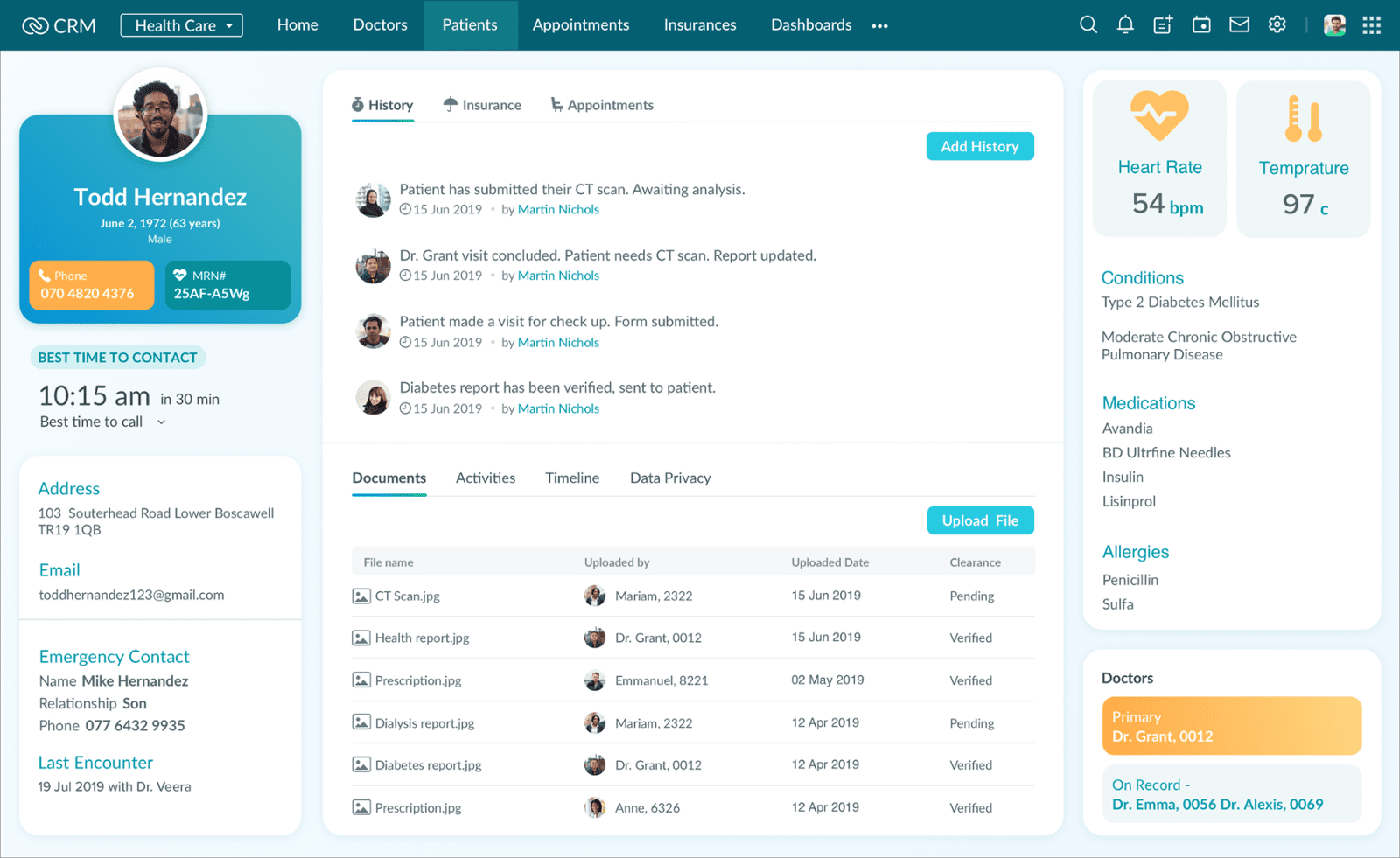
Introducing Canvas for Zoho CRM, the industry’s first CRM design studio.
Have you ever wondered what your ideal CRM would look like?Do you have ideas about how your Zoho CRM should look and feel?
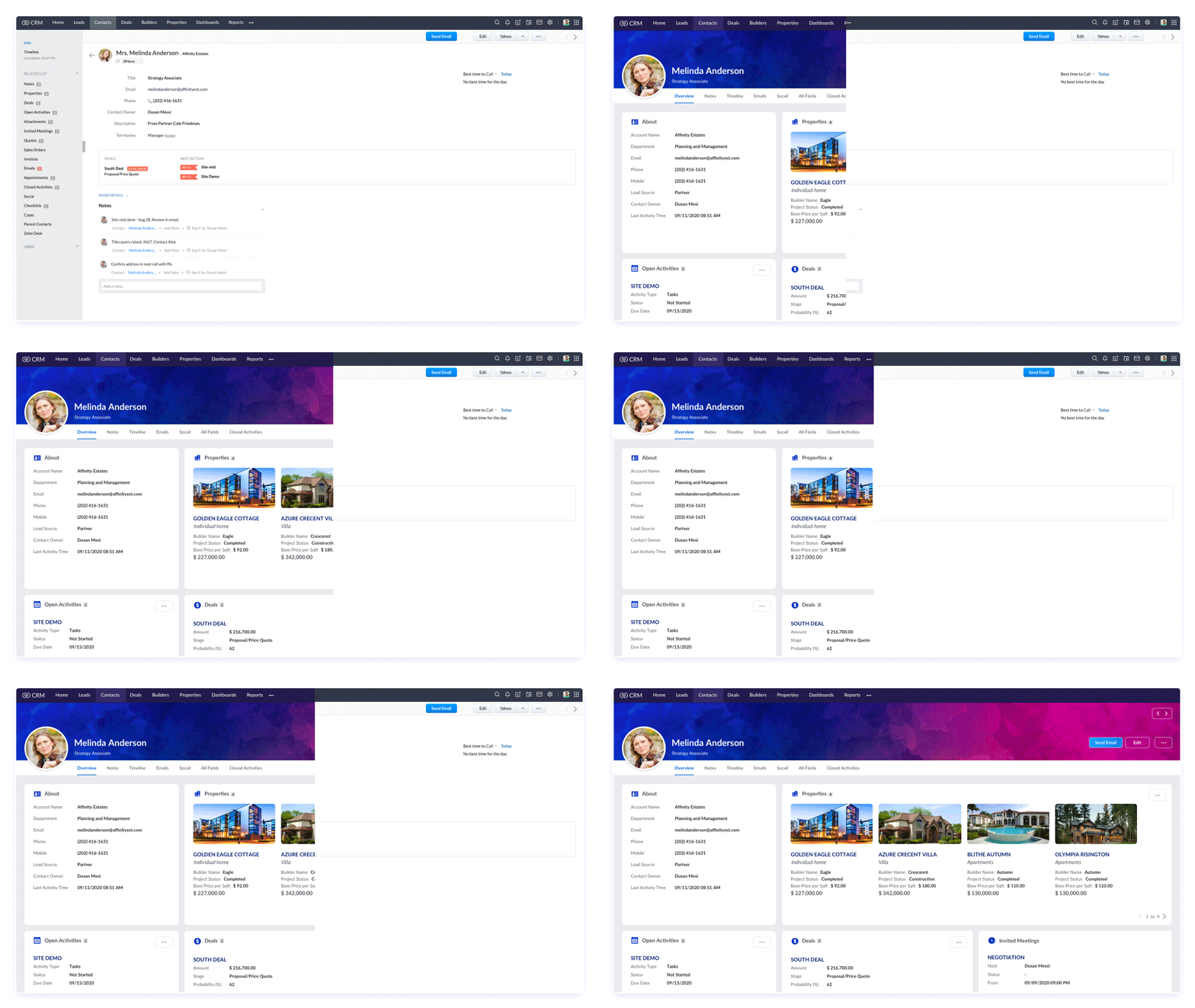
Take it to the drawing board with Canvas!
Here’s an overview…
How does Canvas for Zoho CRM work?
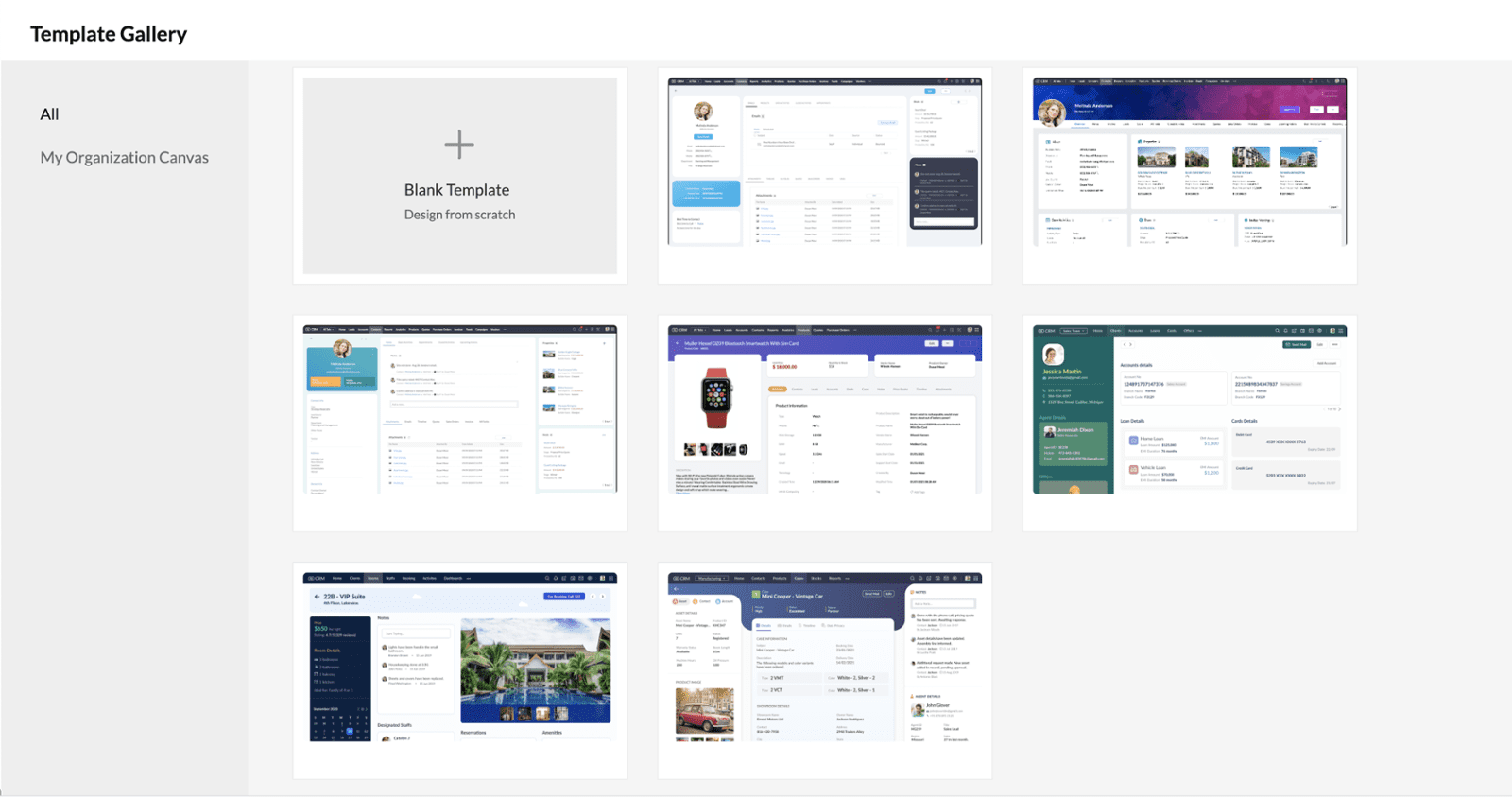
➤ Drag-and-drop editor: You can redesign Zoho CRM without writing a single line of code. Canvas is a no-code editor where anyone with no developer skills can create Canvas views with the intuitive drag-and-drop creation process. You can also choose to start from scratch or pick a template and dive right in.
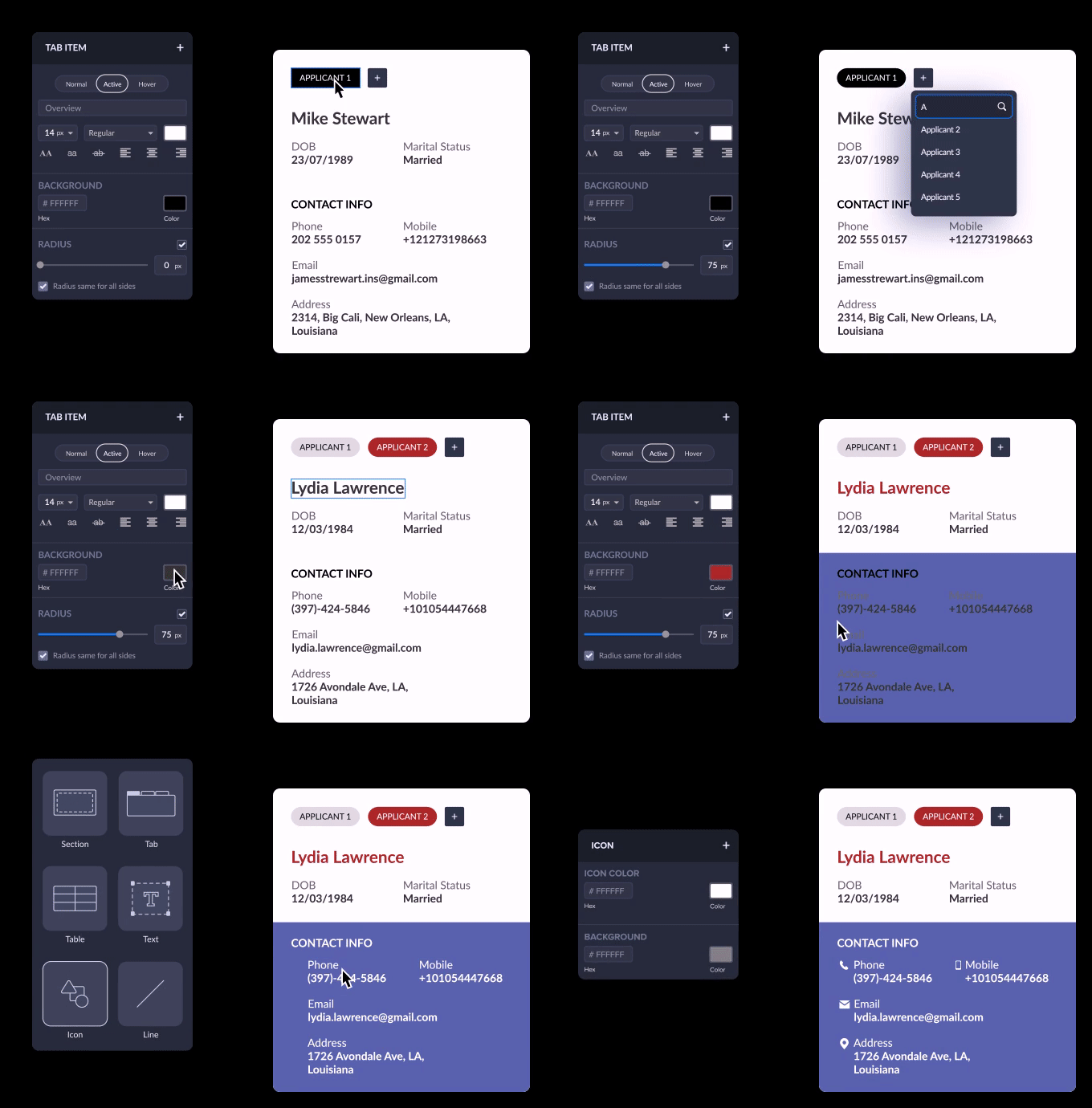
➤ Fine tune every detail: Canvas comes with a wide range of formatting options to help craft something truly personal. Edit font colors, adjust padding, switch to tabs, merge fields, refine spacing, and more with the Canvas editor.
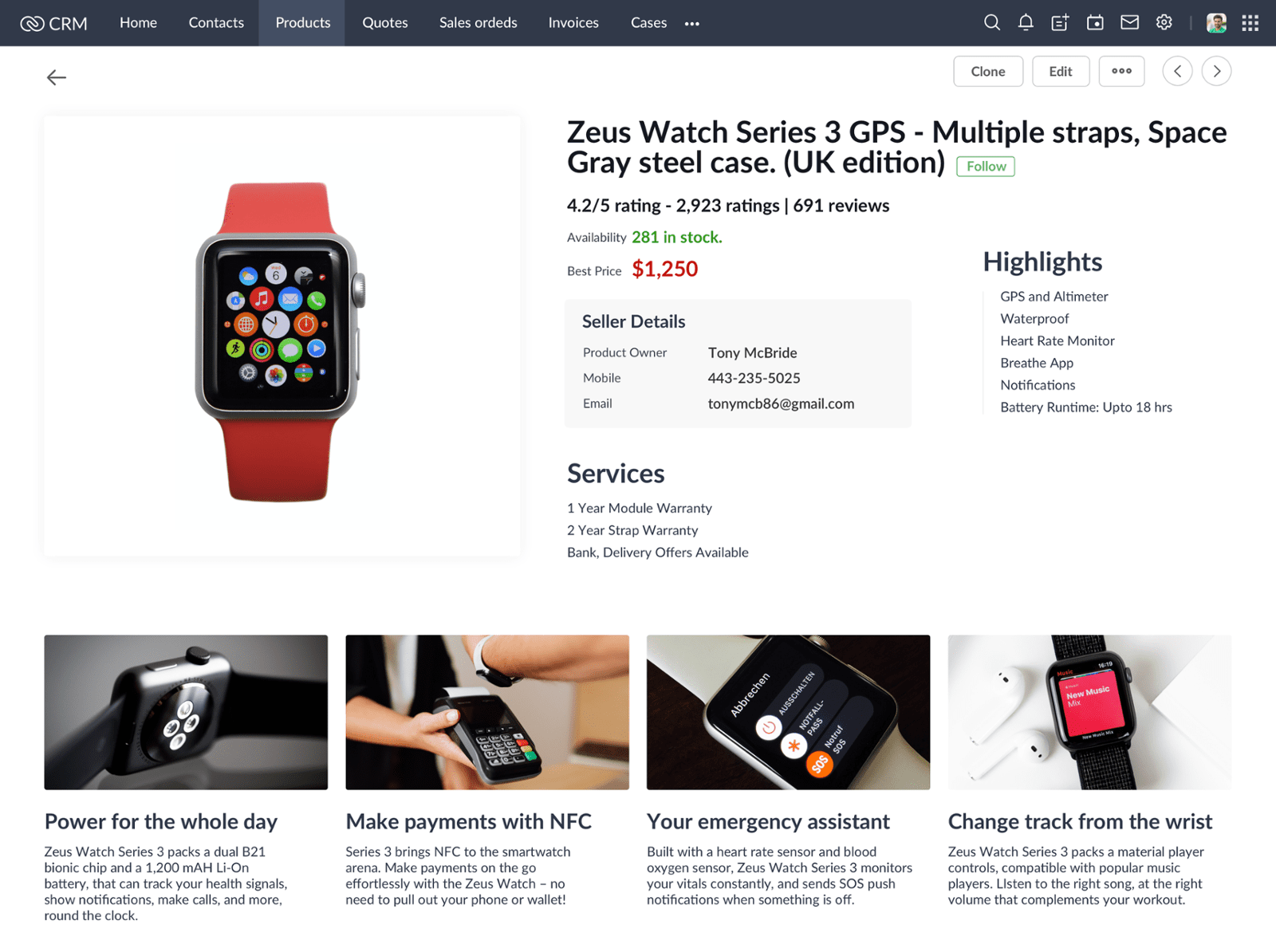
➤ Keep it efficient: Choose what to show and what to hide, reducing clutter and helping users find key information quickly. You can also decide where each field goes and how they look, like color coding for better visibility.
Assign views based on roles | Create Canvas rules | Edit
fields in-line | Utilize widgets